
Prefactor vs Prompt Builder
Side-by-side comparison to help you choose the right AI tool.

Prefactor
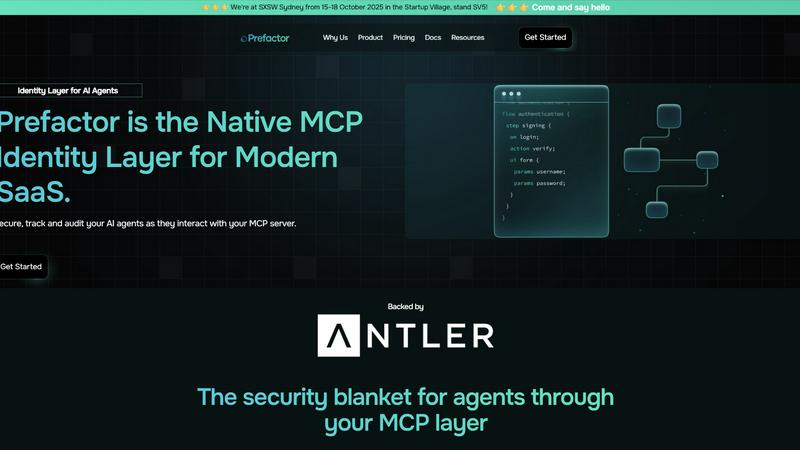
Prefactor empowers you to govern AI agents at scale with real-time visibility, compliance, and identity-first control.
Last updated: March 1, 2026

Prompt Builder
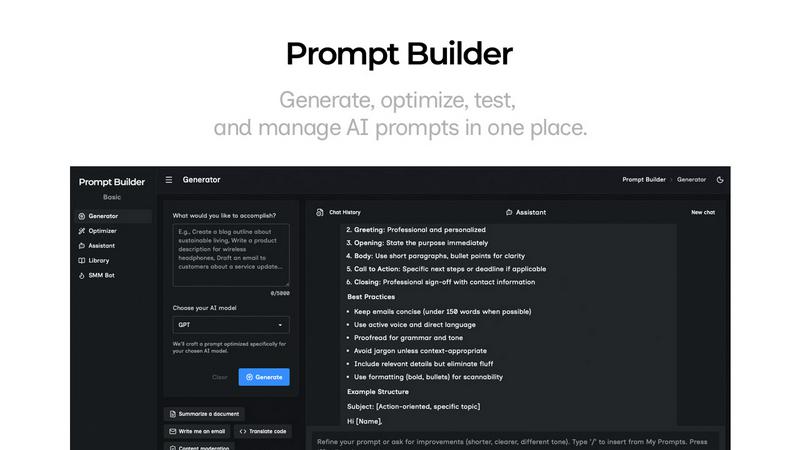
Generate, optimize, test, and manage AI prompts in one place. Turn an idea into a ready-to-use prompt in seconds.
Visual Comparison
Prefactor
Prompt Builder
Overview
About Prefactor
Prefactor is a transformative control plane designed specifically for AI agents, revolutionizing the way enterprises manage autonomous systems in production. As organizations transition from proof-of-concept (POC) trials to full-scale deployments, they often encounter significant challenges related to governance, visibility, and compliance. Prefactor addresses these critical issues by providing a unified layer of trust that ensures every AI agent operates under a first-class, auditable identity. The platform is tailored for product, engineering, security, and compliance teams within highly regulated industries, such as banking, healthcare, and mining, where speed must be balanced with stringent governance requirements. With features like real-time monitoring, audit trails, and identity-first control, Prefactor empowers enterprises to navigate the complexities of agent deployment securely and efficiently. By transforming the governance landscape, Prefactor enables companies to scale their AI capabilities confidently and strategically.
About Prompt Builder
Prompt Builder is a prompt engineering workspace for writing, testing, and saving prompts. Describe the task in plain English, and it helps you create a prompt that matches the model you choose. Start with a draft, refine it in chat, save or pin versions, then run them when you are ready. It works with GPT, Claude, Gemini, Llama, Mistral, DeepSeek, Grok, Perplexity, and more. You also get an Optimizer, an assistant for quick tests, and a library of reusable prompts and templates from the community. Turn an idea into a ready-to-use prompt in seconds. Refine it in chat, save it to your Library, and run it anytime.