
Litespace vs Playwriter
Side-by-side comparison to help you choose the right AI tool.

Litespace
Litespace is your AI recruiting assistant that automates sourcing and screening to hire top talent faster.
Last updated: March 1, 2026

Visual Comparison
Litespace
Playwriter

Overview
About Litespace
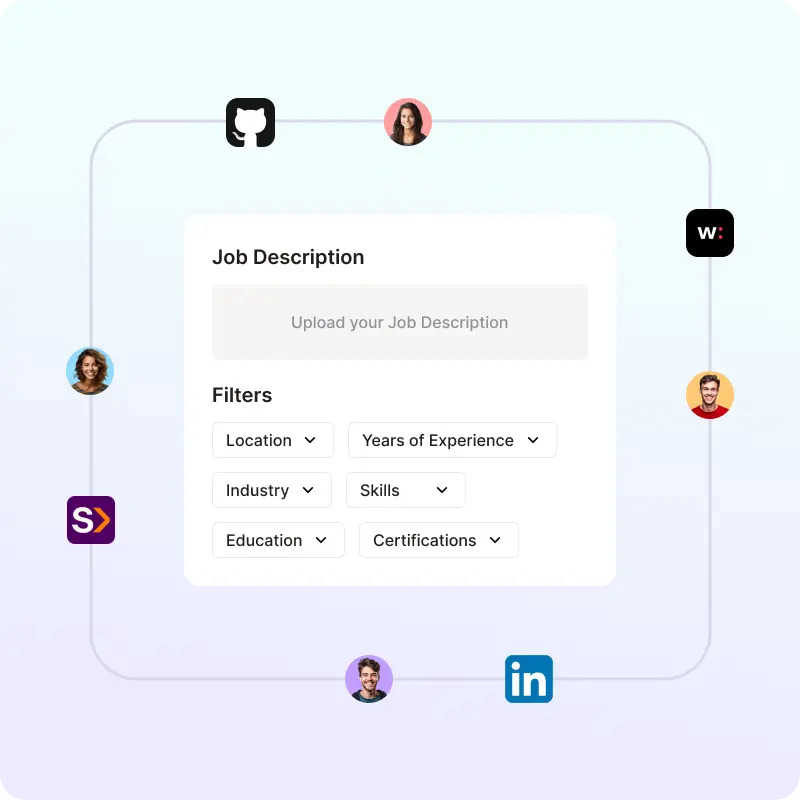
Litespace is a game-changing AI recruiting assistant designed to fundamentally transform how hiring teams operate. It is a comprehensive, AI-driven platform built specifically for HR professionals, recruiters, and talent acquisition teams who are burdened by the manual, time-consuming grind of modern recruitment. Litespace's core mission is to unlock human potential by automating the administrative heavy lifting, allowing recruiters to focus on high-value strategic engagement and relationship-building with top-tier candidates. By establishing an ideal candidate profile just once, its advanced AI takes over, intelligently sourcing talent across multiple platforms, conducting initial screenings, and even running pre-screen interviews 24/7. This transformative approach slashes time-to-hire from weeks to days, empowers data-driven decision-making with intelligent analytics and note-taking, and delivers a shortlist of genuinely interested, qualified candidates. Litespace is not just a tool; it's a visionary partner that elevates the entire recruitment strategy, enabling organizations to hire faster, smarter, and with unprecedented confidence.
About Playwriter
AI agents cannot browse the web properly. They either have no browser access, or they get a fresh Chrome with no logins, no extensions, and instant bot detection. Playwriter gives them your actual browser session instead. One Chrome extension, full automation API, everything you are already logged into. Includes accessibility snapshots (5-20KB instead of 100KB+ screenshots), a debugger with breakpoints, live code editing, network interception, and video recording. Works with any MCP client: Cursor, Claude, VS Code, and more. Open source, MIT licensed.