
LinkMyAgency vs Playwriter
Side-by-side comparison to help you choose the right AI tool.

LinkMyAgency
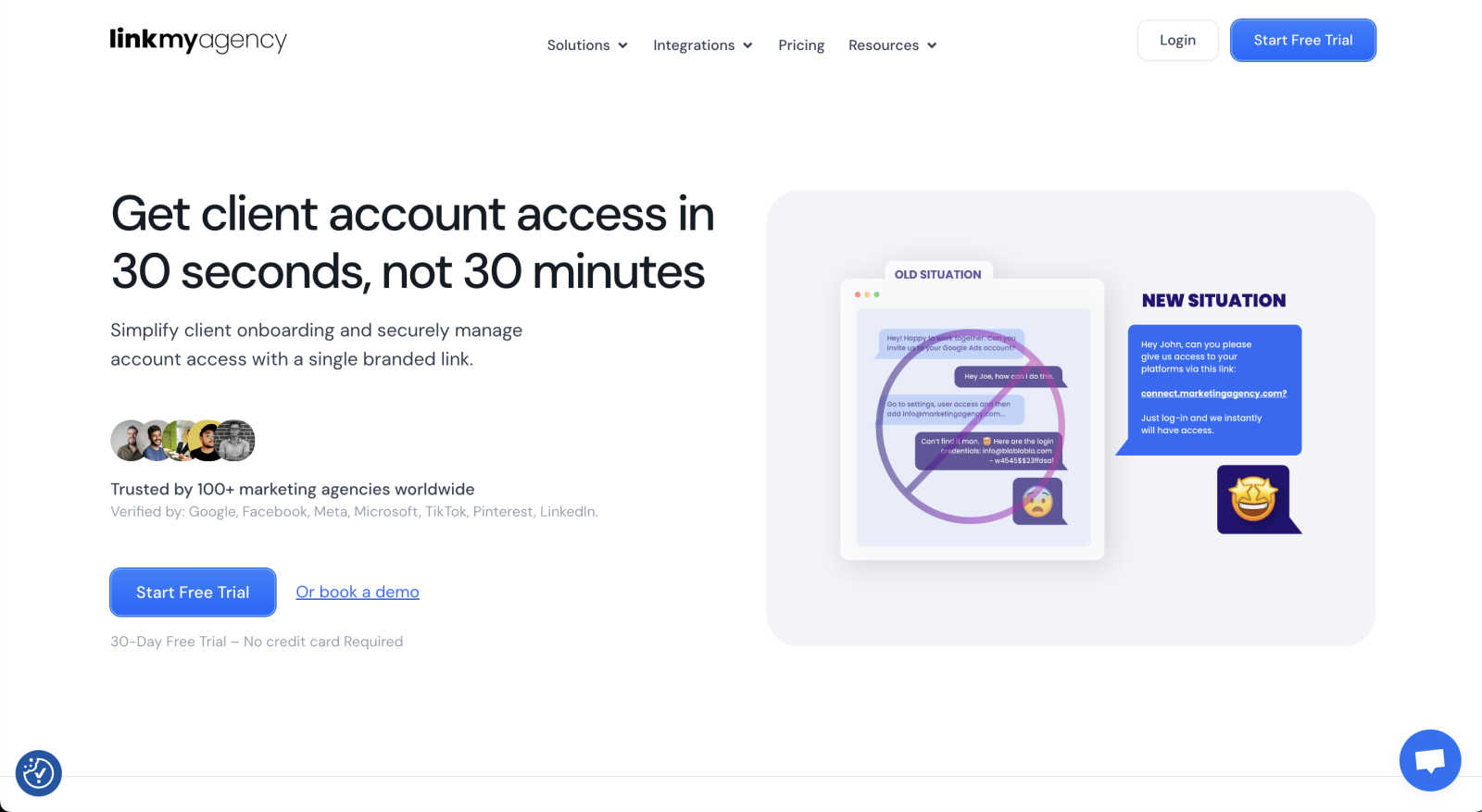
Seamlessly onboard clients and manage account access with LinkMyAgency's single branded link solution.
Last updated: March 1, 2026

Visual Comparison
LinkMyAgency
Playwriter

Overview
About LinkMyAgency
LinkMyAgency is a groundbreaking tool designed to revolutionize how digital marketing agencies connect with their clients' advertising and analytics accounts. It provides an incredibly fast and secure onboarding experience that is tailored specifically for agencies. Rather than spending excessive time navigating through convoluted account settings and interfaces, agencies can send a single branded link to clients. This link enables clients to connect their accounts in just 30 seconds, drastically reducing the onboarding time from what used to take over 30 minutes. This streamlined process not only enhances operational efficiency but also reinforces the agency's professionalism, impressing clients with an effortless onboarding experience. With robust security measures, including OAuth access trusted by major platforms like Google, Meta, TikTok, and LinkedIn, LinkMyAgency ensures that agencies can manage client accounts without the risks associated with password sharing. This transformative tool empowers agencies to scale effortlessly, manage multiple client connections, and keep onboarding processes automatically updated, making it a must-have for any agency aiming to enhance its operational workflow.
About Playwriter
AI agents cannot browse the web properly. They either have no browser access, or they get a fresh Chrome with no logins, no extensions, and instant bot detection. Playwriter gives them your actual browser session instead. One Chrome extension, full automation API, everything you are already logged into. Includes accessibility snapshots (5-20KB instead of 100KB+ screenshots), a debugger with breakpoints, live code editing, network interception, and video recording. Works with any MCP client: Cursor, Claude, VS Code, and more. Open source, MIT licensed.