
BlogVitals vs HTML to PNG Converter
Side-by-side comparison to help you choose the right AI tool.

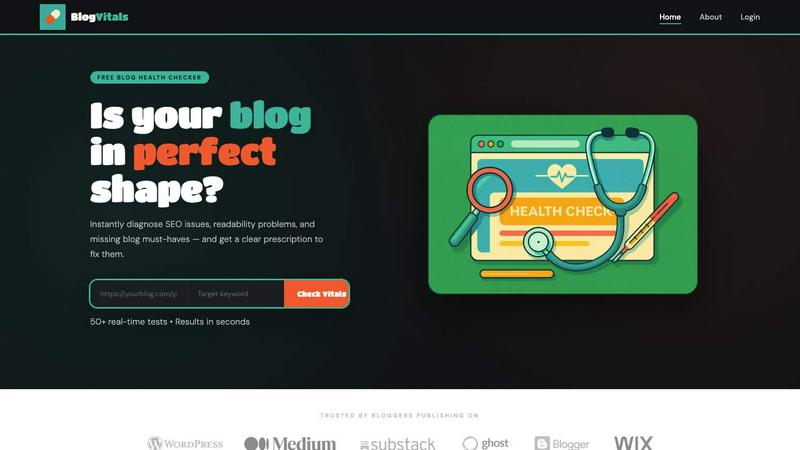
Transform your blog with instant SEO audits and actionable fixes to boost traffic and engagement in just seconds.
Last updated: March 4, 2026

HTML to PNG Converter
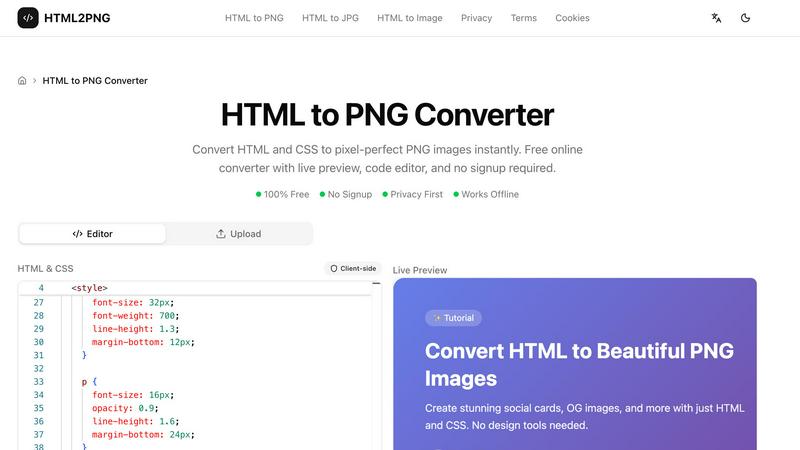
Convert HTML and CSS to pixel-perfect PNG images instantly. Free online converter with live preview, code editor, and no signup required.
Visual Comparison
BlogVitals
HTML to PNG Converter
Overview
About BlogVitals
BlogVitals is a revolutionary tool designed specifically for bloggers who want to elevate their content and optimize their websites for maximum impact. With the ability to instantly diagnose SEO issues, readability problems, and missing essential elements, BlogVitals offers a comprehensive analysis that transforms your blogging strategy. This tool is perfect for bloggers of all levels, whether you're a seasoned professional or just starting your journey in the blogging world. Its main value proposition lies in its ability to provide actionable insights and a clear prescription for improvements. By assessing over 50 critical components of your blog and distilling them into six easy-to-understand categories, BlogVitals empowers you to make informed decisions that enhance your blog's performance and visibility. Say goodbye to guesswork and hello to a thriving blog that engages readers and ranks higher in search engines.
About HTML to PNG Converter
HTML2PNG.org — Free HTML to PNG Converter
HTML2PNG.org is a free online tool that converts HTML and CSS into PNG, JPG, or WebP images directly in your browser. No signup, no uploads, no server processing — your code stays on your device and conversions run locally using html2canvas.
Features: The tool includes a Monaco-based code editor with syntax highlighting and live preview, so you see changes in real time. It supports modern CSS (Flexbox, Grid, gradients, shadows, transforms, Google Fonts) and exports at 1x, 2x, or 3x scale for retina displays. You can export with transparent backgrounds, choose PNG (lossless), JPG (smaller files), or WebP (good compression), and use built-in templates for social cards, OG images, code snippets, and invoices.
Use cases: Create Open Graph images for social sharing, design social media cards and banners, turn code snippets into styled images for docs or social posts, preview HTML email templates as images, and convert HTML invoices and certificates to PNG for sharing and archiving. The tool is suitable for developers, designers, marketers, and content creators who need fast, programmatic image generation.
Privacy & performance: All conversion happens client-side. Your HTML and CSS are never sent to a server, so there are no rate limits, no watermarks, and no signup. The tool works offline and is free to use.