
AutoPhish vs Zovo
Side-by-side comparison to help you choose the right AI tool.

AutoPhish empowers your team with AI-driven phishing simulations and training to build a robust security culture.
Last updated: March 1, 2026

Zovo offers 20 powerful privacy-first Chrome extensions for developers and writers with one simple subscription.
Last updated: February 28, 2026
Visual Comparison
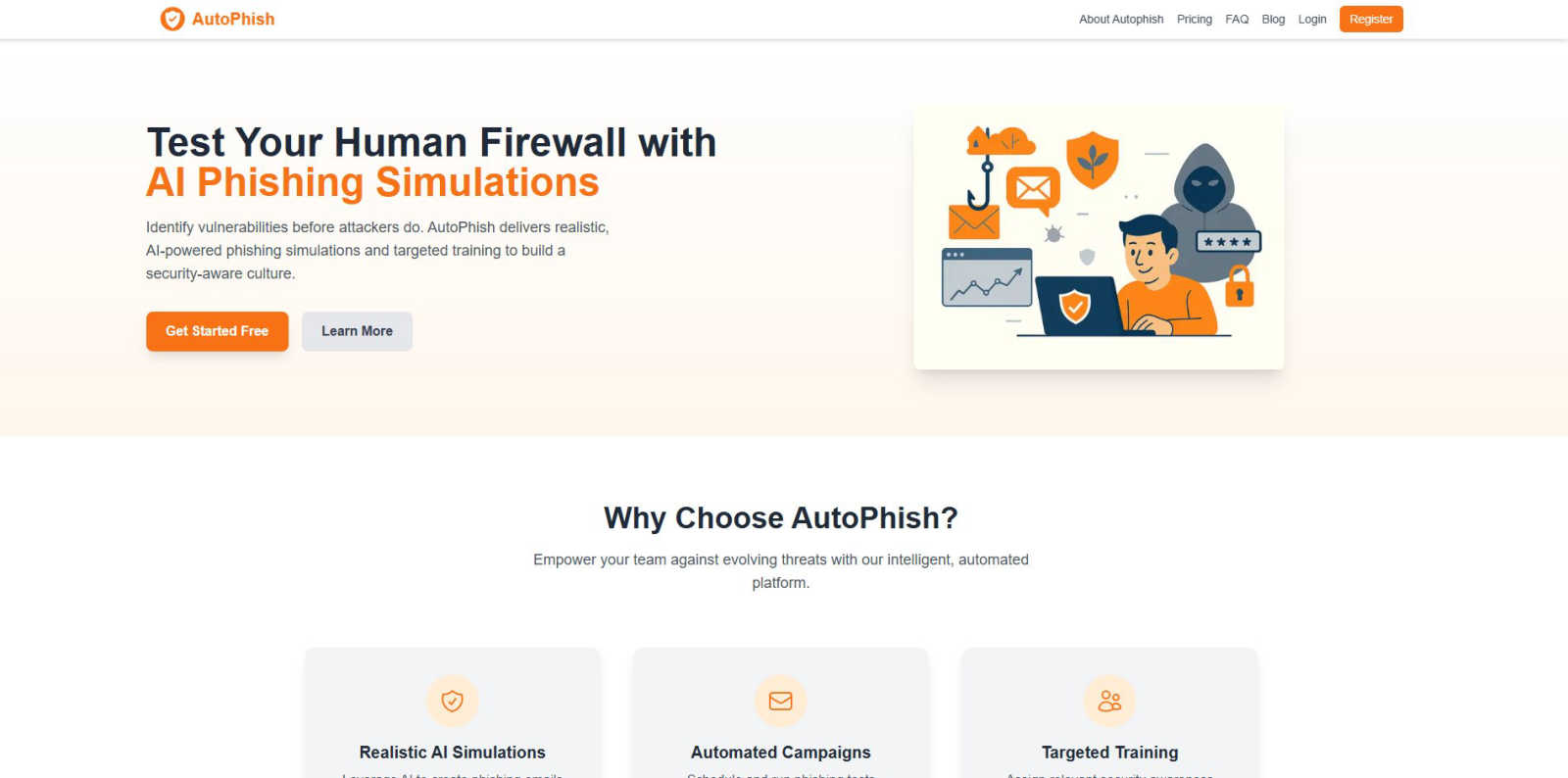
AutoPhish
Zovo

Feature Comparison
AutoPhish
Realistic AI Simulations
Leverage cutting-edge AI technology to generate phishing emails that closely mimic real-world attacks. These simulations are specifically tailored to reflect the unique challenges and risks associated with your industry, ensuring your team is well-prepared to recognize and respond to threats.
Automated Campaigns
AutoPhish allows you to seamlessly schedule and run phishing tests automatically, significantly saving time while ensuring that security training remains consistent and up-to-date. This automation helps maintain a proactive security posture without adding unnecessary workload to your team.
Targeted Training
The platform intelligently assigns relevant security awareness training based on simulation results and user roles. By focusing on users who exhibit vulnerabilities, AutoPhish optimizes training efforts, ensuring that every team member receives the education they need to enhance their security awareness.
Advanced Reporting
AutoPhish offers comprehensive reporting features that provide deep insights into the results of your phishing simulations. These reports help identify vulnerable users, track progress over time, and guide your security training initiatives, allowing for a data-driven approach to security awareness.
Zovo
BeLikeNative
BeLikeNative is Zovo's signature tool that empowers users to write like native speakers with just a keystroke. Supporting 80 languages, it helps users craft messages and documents that resonate well with native audiences, ensuring clarity and professionalism in communication.
Tab Suspender Pro
Tab Suspender Pro is designed to optimize your browser's performance by automatically suspending inactive tabs, freeing up memory and resources. This feature is perfect for users who juggle multiple tabs and want to maintain a smooth browsing experience without slowing down their device.
Clipboard History Pro
Clipboard History Pro enhances your productivity by allowing you to store and manage up to 100 clipboard entries. This feature ensures that you never lose track of copied content, enabling you to paste previously copied items with ease, streamlining your workflow.
Session Manager Pro
Session Manager Pro provides peace of mind by automatically saving your browsing sessions. In the event of a crash or accidental closure, you can restore your tabs and windows with a single click, ensuring that your work remains uninterrupted and easily accessible.
Use Cases
AutoPhish
Enhancing Employee Awareness
Organizations can use AutoPhish to improve employee awareness of phishing threats. By conducting regular simulations, they can ensure that all team members recognize potential threats, fostering a proactive security culture.
Continuous Security Training
AutoPhish is ideal for companies looking to implement ongoing security training. The automated nature of the platform allows organizations to maintain a continuous cycle of assessment and education, helping to keep security awareness top of mind.
Compliance Preparation
For businesses facing regulatory requirements, AutoPhish serves as an effective tool for compliance preparation. The platform’s advanced reporting features provide necessary documentation and insights needed to demonstrate adherence to security regulations.
Risk Assessment Integration
AutoPhish can be integrated into broader risk assessment strategies. By identifying vulnerabilities through realistic simulations, organizations can prioritize areas of improvement in their overall security posture, making informed decisions about resource allocation and training focus.
Zovo
Writing Professional Emails
With BeLikeNative, users can craft professional emails that sound natural and fluent. This tool is indispensable for non-native speakers looking to communicate effectively in a business environment, enhancing their professional image.
Efficient Tab Management
For users who often have numerous tabs open, Tab Suspender Pro helps manage browser memory effectively. By suspending inactive tabs, it ensures that your device runs smoothly, making multitasking much more efficient without crashes or slowdowns.
Streamlined Content Creation
Clipboard History Pro is a game-changer for content creators. By keeping a history of copied text, users can easily reference and reuse content without the frustration of having to re-copy items, leading to faster and more efficient writing processes.
Reliable Session Recovery
Session Manager Pro serves as a safety net for users who frequently experience browser crashes. By automatically saving sessions, it guarantees that no work is lost, allowing users to pick up right where they left off with minimal disruption.
Overview
About AutoPhish
AutoPhish is a revolutionary AI-powered platform that transforms your organization's human firewall from its most vulnerable point into a formidable defense system. In an era where cyber threats evolve at breakneck speed, traditional security training falls short. AutoPhish empowers organizations by proactively identifying weaknesses through hyper-realistic, AI-generated phishing simulations that replicate sophisticated tactics employed by actual cybercriminals. Tailored to suit your specific industry and organizational context, these simulations deliver an unmatched, hands-on learning experience. The platform automates the entire security awareness lifecycle, from scheduling consistent phishing tests to providing targeted, role-based training for users who need it most. By equipping IT leaders, security teams, and compliance officers with actionable insights and automated remediation, AutoPhish fosters a resilient, security-conscious culture that can withstand modern cyber threats. This innovative approach is more than just training; it creates a continuous cycle of assessment and education, strengthening your human layer against exploitation.
About Zovo
Zovo is an innovative suite of 20 Chrome extensions designed to enhance your browsing experience, developed by a solo creator with over a decade of expertise and a remarkable track record of $400K earned on Upwork. With a commitment to privacy and user empowerment, Zovo's flagship extension, BeLikeNative, revolutionizes the way 3,300+ users write by offering one-keystroke rewrites in 80 languages, enabling non-native speakers to communicate effortlessly. The suite includes essential tools like Tab Suspender Pro, JSON Formatter Pro, Clipboard History Pro, and Form Filler Pro, among others. Each extension is crafted to run 100% locally, ensuring that your data remains on your device—no tracking, no harvesting, no third-party influences. With a community-driven approach, users can actively vote on features, shaping the future of the tools they rely on. Regular updates and new extensions are rolled out every month, all while maintaining a commitment to user privacy and data security.
Frequently Asked Questions
AutoPhish FAQ
What is AutoPhish?
AutoPhish is an AI-powered platform designed to enhance your organization's security posture by conducting realistic phishing simulations and providing tailored training to employees. It transforms the way organizations approach security awareness.
How does AutoPhish create phishing simulations?
AutoPhish uses advanced AI algorithms to generate phishing emails that closely resemble real-world attacks. These simulations are customized for your specific industry, ensuring a realistic and relevant training experience for your team.
Can AutoPhish be used by organizations of any size?
Yes, AutoPhish is designed to accommodate organizations of all sizes, from small businesses to large enterprises. The platform offers various pricing plans and features to meet the unique needs of different organizations.
What types of training does AutoPhish provide?
AutoPhish provides targeted security awareness training based on the results of phishing simulations. This training focuses on helping users recognize and respond to phishing attempts effectively, enhancing overall security awareness within the organization.
Zovo FAQ
Is Zovo free to use?
Yes, Zovo offers many of its extensions for free. Users can access core features without needing an account, making it easy to get started without any financial commitment.
How does Zovo ensure my privacy?
Zovo is committed to user privacy, with all extensions running locally on your device. No data is collected, tracked, or transmitted, ensuring that your browsing habits remain private and secure.
Can I request new features for Zovo extensions?
Absolutely! Users are encouraged to submit feature requests directly. The most requested features are prioritized for development, allowing the community to shape the roadmap.
How often are new extensions or updates released?
Zovo is dedicated to continuous improvement, with new extensions launched monthly. Members receive early access to these tools, usually 1-2 weeks before they become available to the general public.
Alternatives
AutoPhish Alternatives
AutoPhish is an innovative AI-powered platform that transforms your organization’s human firewall into a formidable defense against phishing attacks. By providing hyper-realistic phishing simulations and tailored training, AutoPhish addresses the critical need for dynamic security awareness in an increasingly complex threat landscape. As users seek alternatives, common motivations include concerns about pricing, specific feature sets, or compatibility with existing platforms. When evaluating alternatives, it’s essential to consider factors such as the realism of simulations, automation capabilities, and the adaptability of training content to meet your organization’s unique needs.
Zovo Alternatives
Zovo is a robust suite of 20 privacy-first Chrome extensions designed specifically for developers and writers. With tools like JSON Formatter, Tab Suspender, and Clipboard History, Zovo elevates productivity while ensuring user privacy remains paramount. The flagship extension, BeLikeNative, empowers over 3,300 users to enhance their writing skills effortlessly. Users often seek alternatives to Zovo for various reasons, including pricing concerns, specific feature sets, or compatibility with different platforms. When exploring alternatives, consider factors like the range of features offered, user experience, privacy policies, and community engagement. The right choice should align with your unique needs and enhance your workflow without compromising security.