

Alternatives to Pixora
Pixora turns text prompts into original images in styles such as anime, watercolor, and pixel art, with aspect ratio choices and no uploads required.
Explore 20 alternatives to Pixora. Compare features, pricing, and find the best fit for your needs.
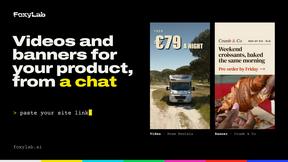
FoxyLab
FoxyLab is a chat-based editor for product videos and banners, with website input, common aspect ratios and a developer API.
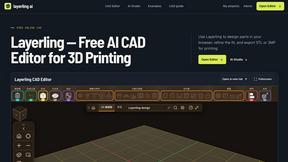
Layerling
Layerling is a browser-based CAD tool for designing 3D printed enclosures, refining fit, and exporting STL or 3MF files.
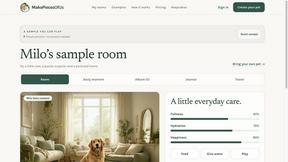
MakePiecesOfUs
MakePiecesOfUs creates a virtual room from a pet photo, combining free albums, journals and puzzles with optional daily moments and travel.
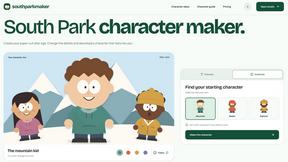
southparkmaker
Build a South Park-inspired character with a live browser editor, or use credit-based AI generation from a description or photo.
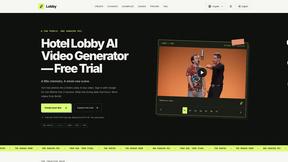
LobbyClip
LobbyClip creates short AI duo videos from two photos, with seven ready-made scenes for people and animals.

Vikas Editor AI
Vikas Editor AI turns customizable portrait prompts into AI images and short photo-to-video clips in a browser.

VidSyndicate
VidSyndicate combines podcast episode and RSS management with social scheduling for creators distributing audio and video across channels.
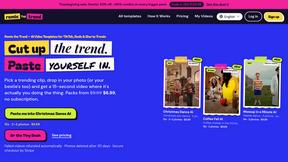
Remix the Trend
Create short AI videos from photos using ready-made templates based on viral TikTok, Reels, and Shorts trends.
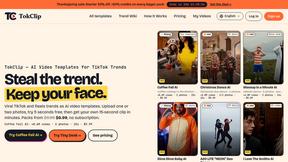
TokClip
Make trend-inspired TikTok and Reels videos from photos with ready-made AI templates for dances, memes, songs, and more.
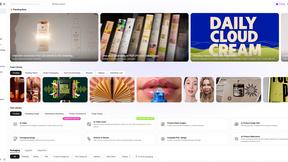
Rhinobird
Rhinobird creates product images and videos for ecommerce listings, ads and packaging concepts using product photos and artwork.
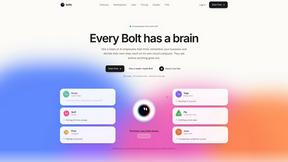
Bolts
Bolts has been retired; former users can download their data until 28 December 2026, and no further charges will be made.
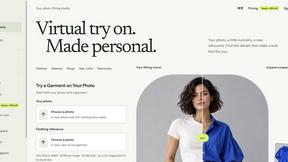
VirtualTryOn
Explore AI generated clothing, accessory and hair previews on your photo, with separate workflows and clear limits on what images can show.
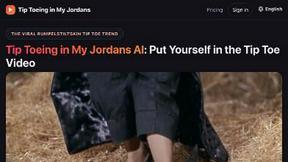
Tip Toeing in My Jordans AI
Make a shareable Rumpelstiltskin meme by putting one or two people into its 12-second tiptoe scene, with sound and vertical or widescreen formats.
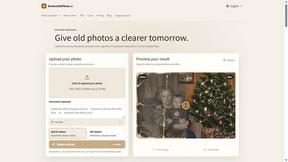
RestoreOldPhoto.ai
RestoreOldPhoto.ai combines old-photo repair, detail enhancement, and optional colorization for people preserving family pictures.
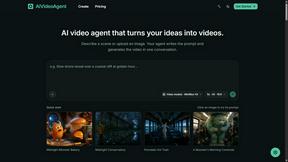
AIVideoAgent
Generate videos from text or images with an agent that drafts the prompt, while you select the model and output settings.
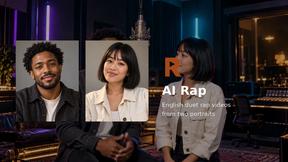
AI RAP
Create a two-person rap video from portraits, guided by a scene and topic, with original English lyrics, vocals and music.
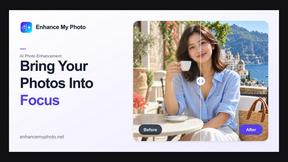
Enhance My Photo
Enhance My Photo helps online sellers and photographers refine product images while checking labels, materials and small details.

LaunchIntel
LaunchIntel helps founders submit products to software directories using an AI agent, tested guides, and a local dashboard.
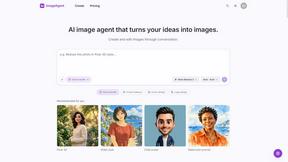
ImageAgent
ImageAgent creates and refines visuals through chat, supporting text prompts, reference images, and model choices for iterative image work.

About Pixora Alternatives
For a workflow that starts from written ideas, compare generators by prompt controls, supported aspect ratios, output retrieval, and content rules. If you need to transform an existing photo or video, look for a product that explicitly supports uploads and editing, since Pixora is text-only.
FAQs about Pixora Alternatives
Can I use Pixora to alter an existing photo?
No. Pixora accepts text prompts and does not support photo, video, or file uploads.
What should I compare when choosing a text-to-image tool?
Check prompt length, aspect ratio options, how generated work is retrieved, and the tool's content restrictions.