

Alternatives to Easymotion - AI Motion Graphic Generator
Easymotion unlocks your creative potential by transforming static images, data, and ideas into stunning motion graphics and map animations in minutes.
Explore 20 alternatives to Easymotion - AI Motion Graphic Generator. Compare features, pricing, and find the best fit for your needs.

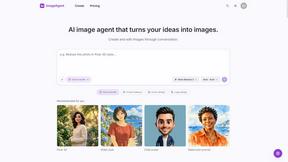
ImageAgent
Create and edit AI images through conversation, using text or reference images and refining results in chat.
GenX
All-in-one AI workspace to generate images, videos, and audio with multiple leading AI models.

Bloom
An adaptive AI tutor that turns topics or your materials into courses, lessons, and answers tailored to how you learn.

AppIconGenerator
Generate iOS and Android app icons from any image and export all platform sizes for free.
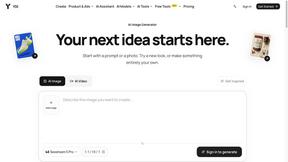
YIX
AI image and video generation, photo editing, restoration and free prompt tools in one browser studio.
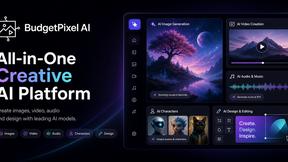
Budgetpixel AI
Create AI images, videos, music, and designs in one workspace with multiple models, powerful editing tools, and API access.
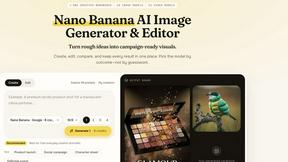
Nano AI
Create and edit AI images, generate videos, and compare models in one creative workbench.
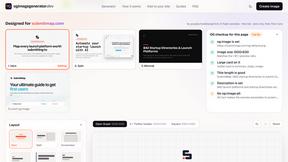
ogimagegenerator.dev
Paste a URL and AI designs on-brand Open Graph images from your page's colours, fonts and logo. Free, no sign-up.
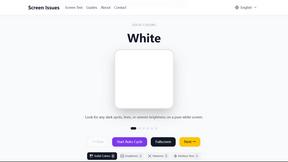
Screen Issues
Free Online Screen Test Tool - Instantly diagnose dead pixels, lines, color issues, and flickering. Multiple test modes, no download needed.

RemoveObjectFromPhoto
AI-powered image text editor to edit, replace, fix, or translate text in images while preserving the original font, color, size, and style.
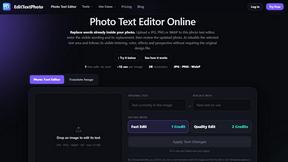
EditTextPhoto
AI-powered image text editor to edit, replace, fix, or translate text in images while preserving the original font, color, size, and style.
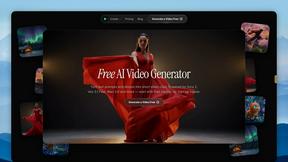
FreeVideoGenerator
Turn text prompts and photos into videos with Sora 2, Veo 3.1 and Wan. Free starter credits and watermark-free downloads.


Verla AI
Verla is an AI academic assistant for university and college students, combining AI essay writing, academic research, AI detection, AI humanization

Leadeon
AI growth tool for X and LinkedIn: write posts in your voice, schedule at your best times, find leads on X and see what works.
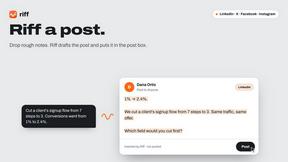
Riff
Free Chrome extension. Paste your rough point and Chrome's built-in AI writes a fresh reply for that post on X, LinkedIn, Facebook or Instagram.
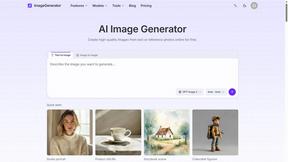
ImageGenerator
Create and edit AI images online with multiple models, text-to-image, image-to-image, background removal, and upscaling.

Raindance AI Video Generator
Turn two photos into the Raindance AI pier video with the soundtrack included
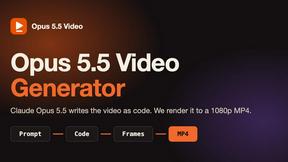
Opus 5.5 Video Generator
Turn a prompt into a 1080p motion-graphics MP4 planned and coded by Claude Opus 5.5
About Easymotion - AI Motion Graphic Generator Alternatives
Unlocking transformative potential in visual storytelling, Easymotion - AI Motion Graphic Generator redefines how creators, founders, and marketers approach video production. As a browser-based AI assistant within the content creation and design tools category, it enables users to convert static ideas, spreadsheets, PDFs, and images into polished animated videos—from SaaS product promos and flowcharts to interactive map animations with flight routes and location pins. Yet, many users explore alternatives when their specific needs around pricing tiers, advanced customization controls, platform integrations, or output resolution exceed what Easymotion currently offers. Others may require deeper timeline-based editing, offline capabilities, or a different balance between AI automation and manual creative freedom. When evaluating an alternative to Easymotion, prioritize solutions that seamlessly bridge AI-driven efficiency with your unique workflow demands. Look for platforms that support your preferred export formats, such as transparent background videos for professional editing, and offer flexible aspect ratios for social media, presentations, and client deliverables. Crucially, assess whether the alternative provides intuitive chat-based editing for rapid adjustments to pacing, colors, and layout, alongside a robust template library that reduces friction. The game-changing choice will empower you to maintain creative control while accelerating production, ensuring your motion graphics and map animations remain both impactful and scalable.
FAQs about Easymotion - AI Motion Graphic Generator Alternatives
What is Easymotion - AI Motion Graphic Generator?
Easymotion is an AI-powered motion graphics and map animation generator that operates entirely in the browser. It allows content creators, editors, founders, and marketers to transform ideas, files, and static visuals into polished animated videos without needing complex timeline editing. The platform supports a wide range of motion graphics including SaaS product promos, flowcharts, animated charts, UI explainers, and geographic storytelling visuals like flight routes and location pins.
Who is Easymotion - AI Motion Graphic Generator for?
Easymotion is built for content creators, editors, founders, and marketers who need a faster way to produce professional motion graphics and map animations. It is ideal for anyone who wants to turn static assets—such as images, spreadsheets, or PDFs—into engaging animated videos for social media, product marketing, presentations, and client deliverables. The platform is designed for users who prefer AI-driven efficiency over manual timeline-based editing.
Is Easymotion - AI Motion Graphic Generator free?
The provided information does not specify whether Easymotion offers a free tier. Users should visit the official Easymotion website to check for current pricing plans, trial options, or free versions. Typically, AI motion graphic tools like this may offer limited free access or a trial period to test core features before committing to a paid subscription.
What are the main features of Easymotion - AI Motion Graphic Generator?
Easymotion’s main features include AI-powered generation of motion graphics from prompts, images, spreadsheets, and PDFs, as well as a dedicated map animation maker for flight routes and location pins. Users can edit animations by chatting with AI to adjust colors, pacing, labels, layout, and visual style. The platform offers a premium template library, and exports to MP4 or MOV formats, including transparent background videos, with support for 16:9, 9:16, 1:1, and 4:5 aspect ratios.